
How it works
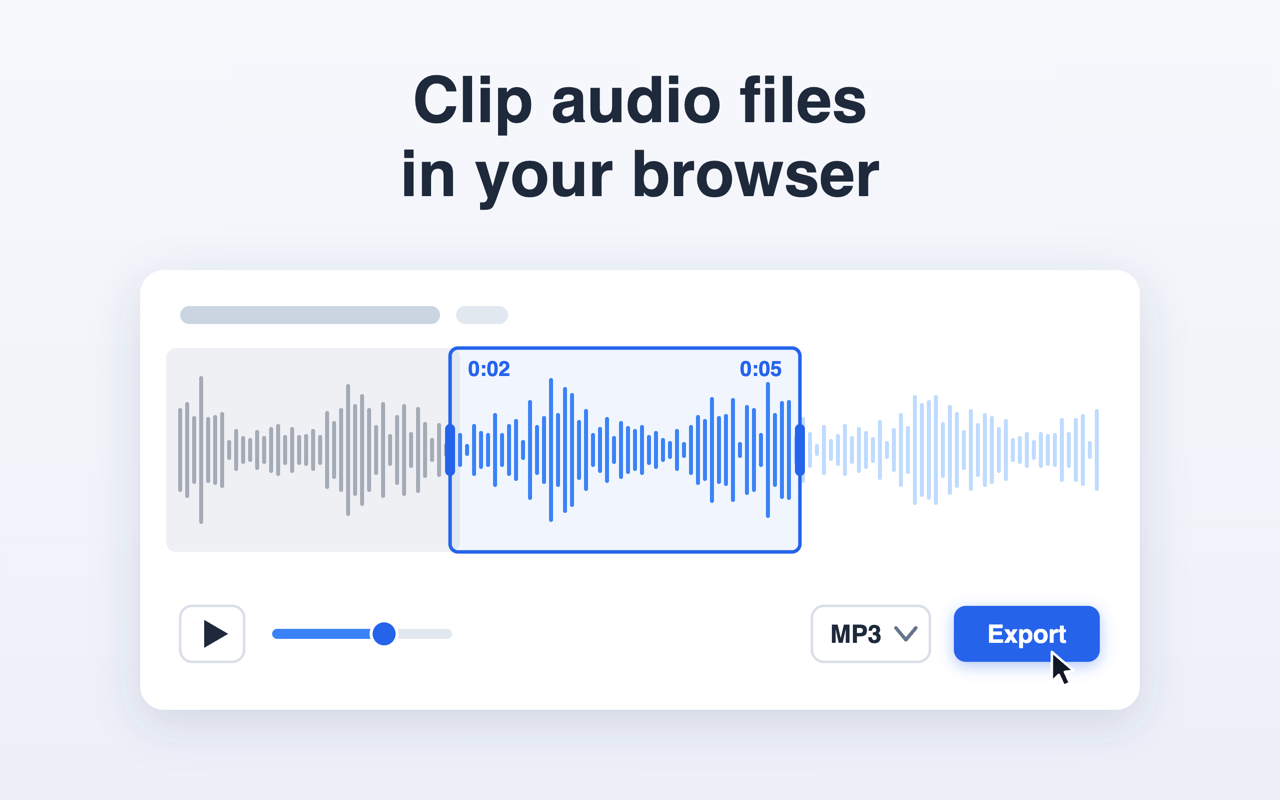
- Click the toolbar icon. The panel opens to the right of the page you are on.
- Pick a file on your computer, or drag one into the panel.
- Drag the two handles on the waveform to mark the start and the end of the fragment.
- Press Export. The clip is saved to your Downloads folder.
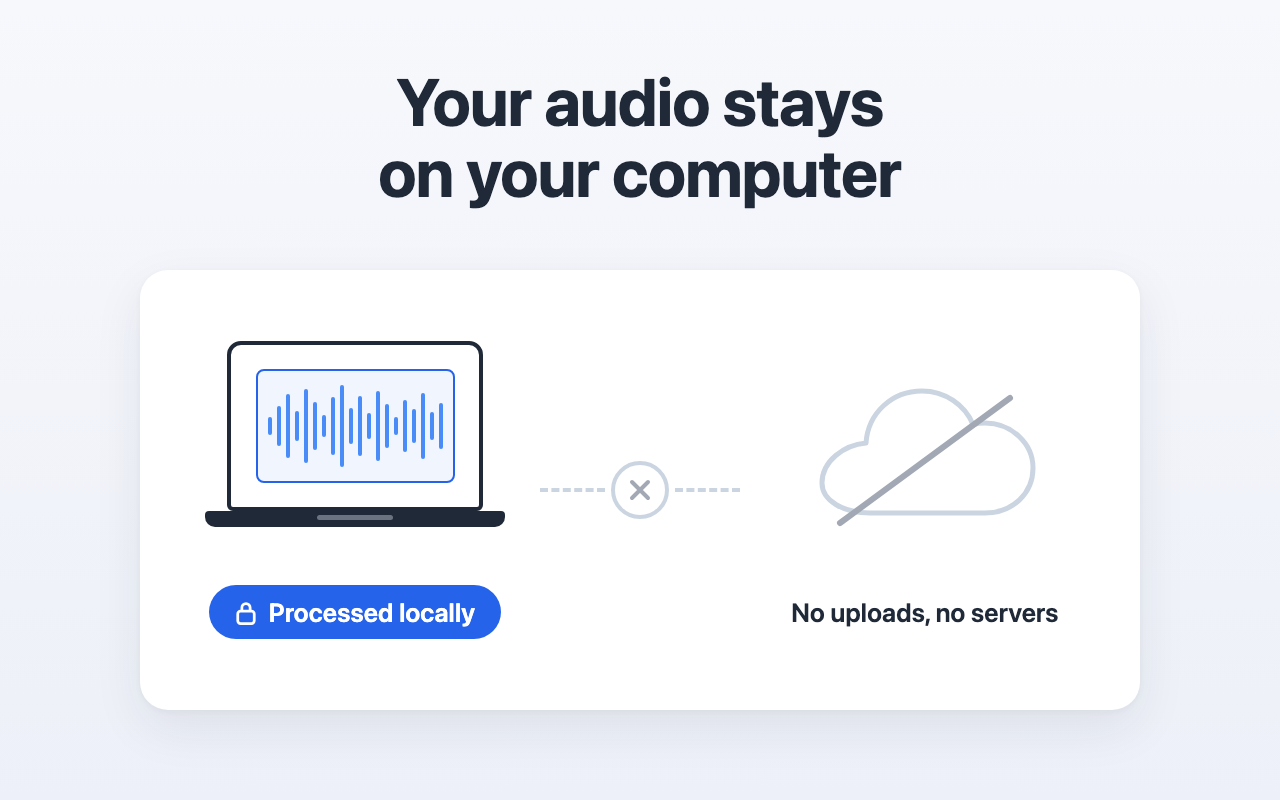
Your recording stays with you
The extension asks for one permission, the side panel, and none for network access. There is nowhere for the file to be sent: it is decoded, cut and encoded inside the browser. Nothing is queued, nothing is kept between sessions, and a dropped connection does not interrupt the work.
Formats and limits
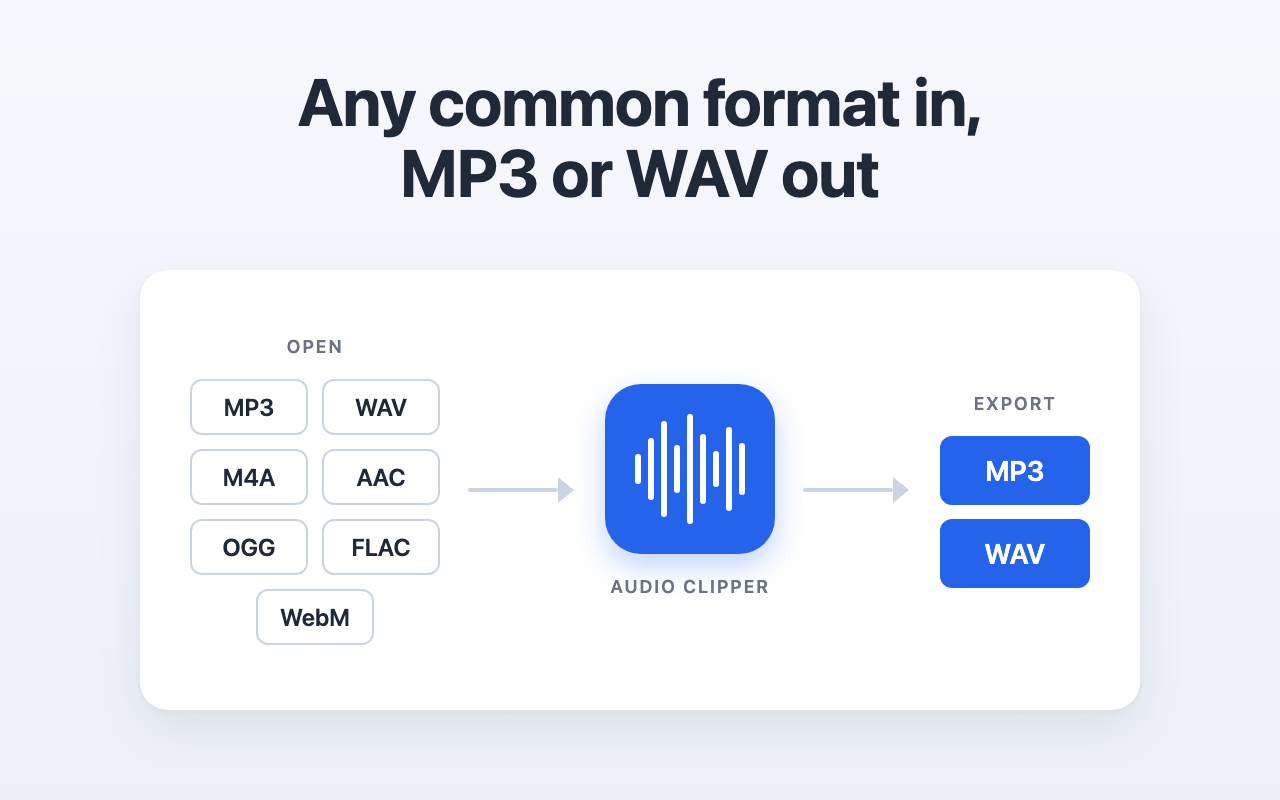
- Opens mp3, wav, m4a, aac, ogg, opus, flac and webm.
- Exports mp3 at 192 kbps, or 16-bit wav.
- A file can be up to 300 MB.
- A recording can run about 50 minutes in stereo at 44.1 kHz, or about 46 minutes at 48 kHz. Longer files are turned down, because the decoded audio would not fit in browser memory.
- Stereo stays stereo, mono stays mono.
Questions
Is the file uploaded anywhere?
No. The extension has no network permission, so it cannot send the file.
Does the audio lose quality?
Export to wav is lossless. Export to mp3 re-encodes at 192 kbps, the usual bitrate for music on the web.
Does it work on a phone?
No. Chrome extensions run on desktop Chrome only: Windows, macOS and Linux.